Turning 40 can make health tracking feel oddly split. One tool watches your sleep, another logs symptoms, and a third asks you to pay before it shows the useful part. The best health tracking tools for women over 40 bring those needs into focus, so you can choose based on your goal instead of chasing every new app.
Our first stop is The Midlife List, followed by a clear process for comparing wearables, menopause apps, fitness tools, food logs, and lab data.
1. The Midlife List
The Midlife List is a curated discovery platform for women in midlife who want help sorting health, wellness, fitness, and lifestyle choices. It belongs at the start of your search because the hard part is often not finding a tool. It is working out which tool fits your life.
A health tracker can show heart rate variability, sleep trends, or cycle notes. That does not mean every metric deserves your attention. If your main issue is poor sleep, a strength plan may add noise. If you want to understand hot flashes, a step counter will not answer the question.
The Midlife List helps organize those choices in one place. You can use it to compare categories before you spend money on a watch, app, subscription, or related wellness product. That matters because free downloads often include in-app purchases, while some wearables put the richest reports behind a monthly fee.
Midlife health also has more than one moving part. Sleep can affect how ready you feel for exercise. Stress may change your appetite. Menopause symptoms may disrupt both. A tracker can help you spot patterns, but it cannot tell you why a symptom exists or replace medical care.
Evidence, safety, and the exact form of a product all matter, rather than the word “natural” alone. You can read the available information for wider context.
That is also why The Midlife List keeps its recommendations useful beyond a single device. The right next step may be a wearable, a symptom log, a fitness app, or a conversation with your clinician. We may earn a commission from some purchases, but that should never decide whether a tool suits you.
Step 2: Match the Tool to Your Main Health Goal
The best health tracking tools for women over 40 depend on what you want to change, understand, or discuss with a health professional. Write down one main goal before you compare features.
Use this quick match:
- Heart health and daily activity: Start with a wearable that tracks heart rate during normal movement and exercise. Look for alerts that prompt you to follow up, not a device that claims to diagnose you.
- Sleep: Choose something comfortable enough to wear at night. A watch can help with sleep timing and related metrics. A ring or screen-free band may feel less distracting.
- Recovery: Look for heart rate variability, resting heart rate, sleep data, and a clear trend view. A single low score should not dictate your day.
- Menopause and perimenopause: Pick a tool that lets you record symptoms and cycle changes. Built-in educational content can help you prepare questions for a visit.
- Fitness: Choose based on the activity you will repeat. A strength app needs good set and rep logging. A running plan needs clear intervals. A general watch may be enough for walking.
- Nutrition: Decide whether you want education, meal awareness, or detailed macro tracking. If logging food makes meals feel like math, use a lighter approach.
Do not start with the longest feature list. Start with the moment when you need help. Imagine waking after a poor night of sleep. Would you use a detailed recovery score, a simple sleep journal, or a prompt to take an easier workout? The best choice is the one you will still use on a busy Tuesday.
Fitness apps can also fit this step. Some focus on structured workouts, while others let you build your own plan. A strength tracker may help you record weight, sets, and reps. A running app may guide you through walk and run intervals. A nutrition app may track calories or macronutrients, meaning protein, carbohydrates, and fat.
Be careful with personalized advice. An app can make a suggestion from the data it receives, but the suggestion may miss medication, injury, stress, or a health condition. Treat it as a prompt, not a prescription.
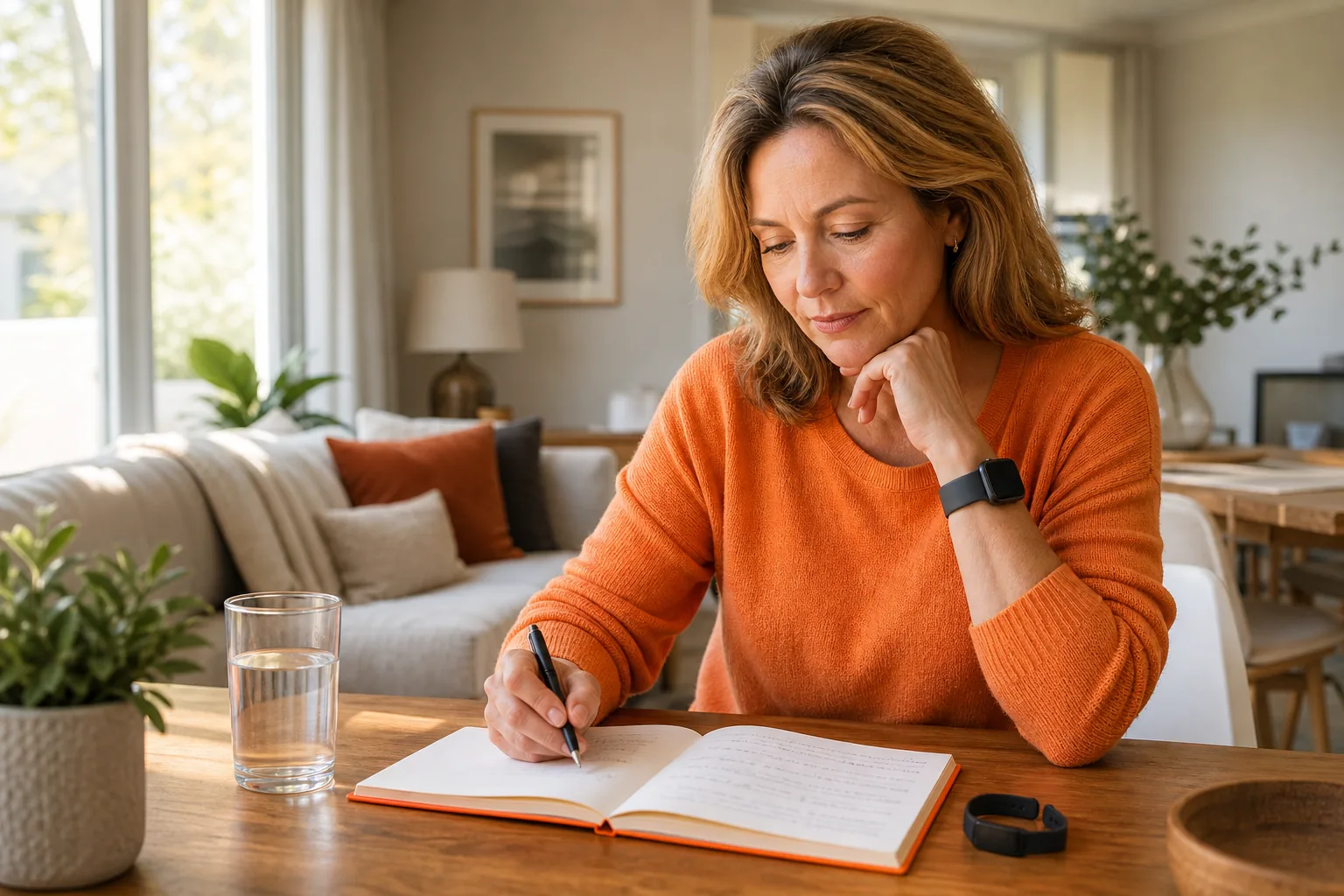
One useful rule is to test the habit before paying for the full system. Track one goal for two weeks. Note whether you wore the device, opened the app, or logged the data. If you keep skipping the task, more features will not fix the fit.
For food tracking, give yourself permission to stop. Macro data can teach you about portions and protein, but constant logging can add stress. A plate-based note or a short meal journal may give you enough information without turning every meal into a calculation.
Step 3: Compare Heart Rate, Sleep, Recovery, and App Integration
When you compare health tracking tools for women over 40, judge the data path, not the number of features on the box. Ask what gets measured, where you see it, and what you can do with it.
| What to compare | Useful question | Best fit | Watch out for |
|---|---|---|---|
| Heart rate | Does it track your rate during rest and exercise? | People who want activity context or trend notes | Alerts can cause worry without clinical follow-up |
| HRV | Can you view changes over time rather than one reading? | People interested in sleep and recovery patterns | Daily variation is easy to overread |
| Sleep | Can you wear it at night without discomfort? | People who want bedtime and wake-time trends | Charging can create gaps in the record |
| Recovery | Does the app explain its score in plain language? | People adjusting workout effort | A score is not a diagnosis |
| Integration | Can it share data with your phone or health app? | People who want one place for records | Many apps do not connect well with others |
Apple Watch models can include a wide set of health measures, including heart rate, heart rate variability, sleep tracking, blood oxygen, ECG, and women’s health features. Related watch features include symptom logging, educational resources, and perimenopause notifications.
Check model-level details when you need to compare Apple Watch options. Do not assume that every feature works in every country or on every phone. Confirm compatibility before buying.
Dedicated apps take a different path. A menopause app may focus on symptom logging, lifestyle suggestions, or community support. That can be more useful than a long list of fitness metrics if your main concern is hot flashes, sleep disruption, mood changes, or cycle shifts.
Some menopause apps track symptoms and suggest lifestyle changes, while others list basic sleep, activity, stress, or readiness measures. The result is simple: hardware tends to collect more data, while a focused app may make one part of your experience easier to record.
Integration is another weak point. Cycle Tracking lists connection with the iPhone Health app, but many dedicated apps do not state broad integration. Before you subscribe, check whether the app can export or share the information you care about. A closed system can become frustrating if you later change phones or add a wearable.
Keep the data view simple. A weekly trend can show whether bedtime moved later or activity dropped. A wall of charts can make you feel as if you are failing at health. You are not. The tool should reduce guesswork, not add another job.
If you want deeper personal data, lab history can sit beside wearable data, but it should not be confused with it. A service that helps people compare authorized testing options and organize lab history may be useful for that separate task. A guide to metabolic testing options and lab tracking is one example of the kind of resource to review with a qualified clinician.
Choose the device or app that gives you a clear next question. “My sleep time fell for three weeks” is useful. “My readiness score was 42 today” may not be.
Step 4: Look for Menopause, Cycle, Nutrition, and Personalized Support
The best health tracking tools for women over 40 should give midlife changes a place in the record. Look for symptom notes, cycle context, nutrition choices, and guidance that respects your judgment.
Start with menopause support. A useful log might let you record night sweats, hot flashes, sleep quality, mood, bleeding changes, pain, or energy. You do not need to record every detail forever. A short period of notes can help you see patterns and prepare a better appointment question.
Cycle Tracking on Apple devices is listed for women 40 and older. It can record cycle patterns and symptoms, with perimenopause resources and notifications. It includes symptom logging, educational resources, and notifications for perimenopause.
Dedicated apps may be a better fit if you want a symptom-first experience. Caria: Menopause & Midlife, Stella, Menopauserelief, and Health & her menopause app are described as tools that track symptoms and suggest lifestyle changes. Another menopause support app is free to download, with some in-app purchases.
Free does not always mean fully free. Many menopause apps are free to download but include in-app purchases. That difference matters when you want to test an app without committing to a subscription. Read the app store listing, then check what the free version actually lets you log.
Nutrition needs the same care. A food app can help you notice patterns in protein, fiber, meal timing, or energy. It can also make you feel watched by your own phone. Choose the level of detail that helps you act. If a full macro target makes you skip meals or restart every Monday, step back.
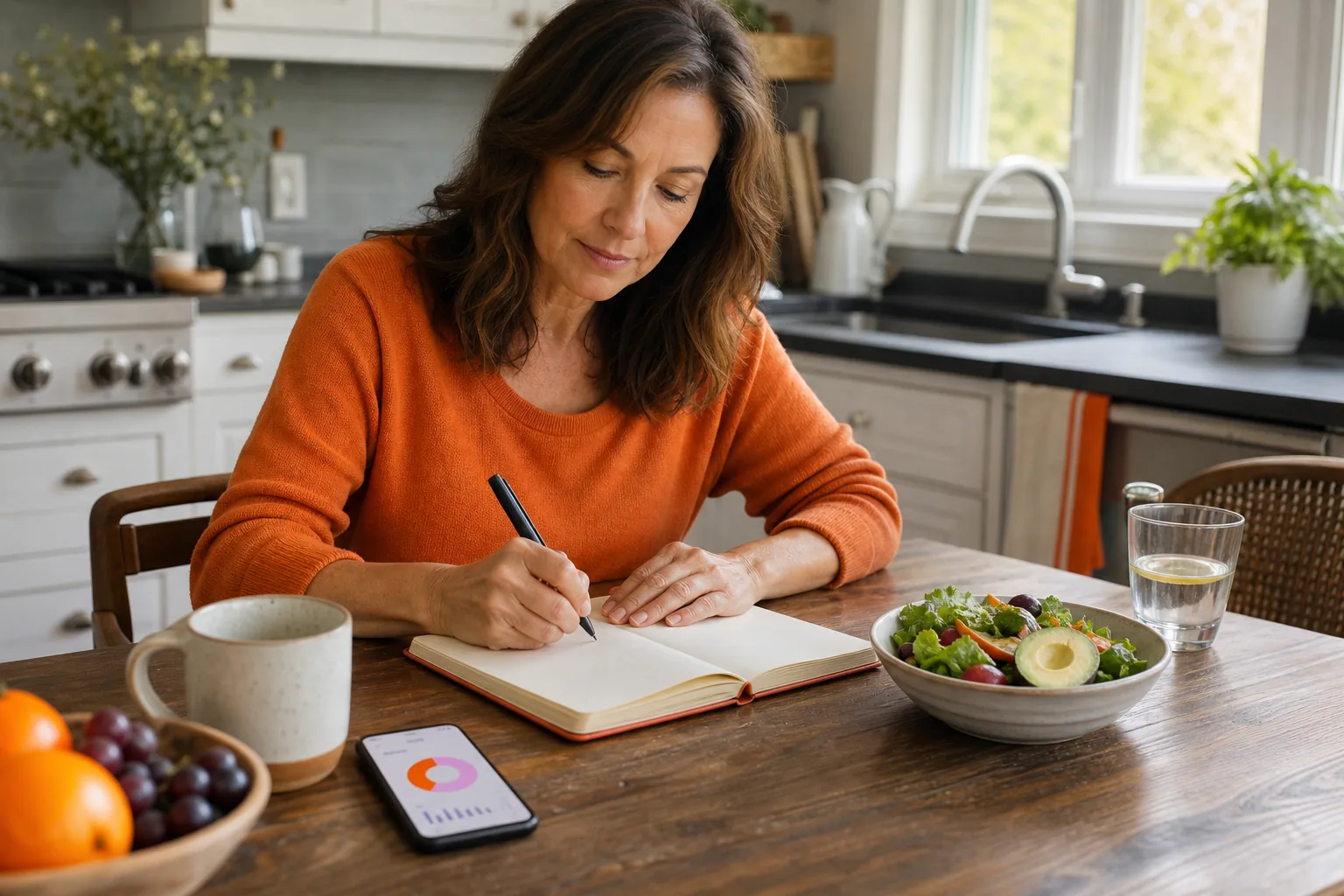
Personalized coaching can be useful when it explains the reason behind a suggestion. “Your sleep was shorter, so consider a lighter workout” is easier to assess than a mysterious score. AI-generated workout plans may save time, but they can miss form issues, pain, or the need for rest.
Community support is another choice. Some people want a private record. Others want shared prompts, discussion, or coaching. Do not assume a public group will feel supportive. Check what information is visible and whether you can delete your posts.
Keep medical boundaries clear. A tracker can record symptoms, but it cannot diagnose menopause, thyroid disease, anemia, or heart problems. Bring persistent or severe symptoms to a qualified health professional. Seek urgent care for symptoms that may signal an emergency.
For related midlife shopping decisions, The Midlife List also organizes recommendations beyond wearables. That wider view can help when your next step involves sleep products, fitness support, or a wellness service rather than another app.
Step 5: Check Subscription Costs, Battery Life, Comfort, and Privacy
Price is only one part of the cost of a health tracker. The best health tracking tools for women over 40 also need to fit your charging habits, skin comfort, clothing, phone, and privacy limits.
Count the full cost
Write down the hardware price, required subscription, optional upgrades, and replacement needs. A free download may charge for reports or coaching. A wearable may work without a plan but limit history or analysis. Pricing changes, so check the current terms before you buy.
Ask four questions:
- Can you use the main tracking feature without paying each month?
- What happens to your data if you cancel?
- Does the free trial turn into a paid plan automatically?
- Can you export your history?
Do not pay for data you will never read. If you only want steps and sleep timing, a premium recovery score may not add value. If you train for an event, dees may earn their place.
Test the physical fit
A tracker that stays in a drawer is an expensive paperweight. Wear it for a normal day before you decide it is comfortable. Notice whether the band catches on sleeves, whether the screen wakes you at night, and whether the ring feels tight when your fingers swell.
Battery life affects data quality. Daily charging can break overnight sleep records. A longer battery may suit you better if you travel, work long shifts, or forget small daily tasks. Charging speed matters too, since a short top-up may be easier than a full charge.
Think about your phone. Some watches work best inside one phone ecosystem. Some apps require a certain operating system. Some tools need your phone nearby for location data. Confirm those details before you buy, especially if you may switch phones soon.
Read the privacy terms
Health data can include sleep, cycle notes, weight, location, and symptoms. Read what the company collects, why it collects it, and who may receive it. Look for account deletion, data export, encryption details, and controls for research or marketing use.
Use a strong password and two-factor authentication when available. Avoid sharing more than the app needs. You can also keep sensitive symptom notes in a private journal if the app’s terms make you uneasy.
The Midlife List is useful at this stage because it gives you a place to compare tradeoffs before a checkout screen narrows your attention. We recommend checking current pricing and privacy terms at the vendor before making a final decision.
Step 6: Set Up Your Tracker and Review Trends Without Overreacting
The best health tracking tools for women over 40 work better when you set a small baseline and review trends calmly. Your first week is for learning the tool, not judging your health.
Set up the basics
Charge the device. Check the fit. Turn on only the alerts you understand. Then choose one or two measurements tied to your goal.
If sleep is your focus, record bedtime, wake time, and how rested you feel. If fitness is the goal, note the workouts you complete. If menopause symptoms are the focus, use the same short symptom scale each day. Consistency matters more than detail.
Leave room for context. Add a note when you travel, get sick, drink more alcohol than usual, change medication, or face unusual stress. Without context, a chart can make a normal change look like a mystery.
Review weekly, not hourly
Daily numbers move for many reasons. One poor night does not prove your sleep system failed. One high heart rate reading does not explain itself. Look for a pattern across several days, then ask what changed.
Use a simple review:
- What changed in the data?
- What changed in your routine?
- What small action will you test next?
For example, if your sleep time fell after late workouts, move exercise earlier for a week. If symptom notes rise around a cycle change, save the record for a clinician. If your recovery score falls while you feel fine, avoid forcing a major change from the score alone.
Never use a consumer tracker to dismiss a symptom that concerns you. Seek medical advice when symptoms persist, worsen, or affect daily life. A wearable can add useful context, but it does not replace an exam, a diagnosis, or a care plan.
After two to four weeks, decide whether the tool earns its place. Keep it if it changes a choice in a helpful way. Cancel it if it produces worry without a useful next step. That is a successful review, even if you stop using the device.
FAQ
What are the best health tracking tools for women over 40?
The best health tracking tools for women over 40 are the ones that match a clear goal and fit your daily habits. A smartwatch may suit heart rate, activity, sleep, and women’s health data. A menopause app may suit symptom notes. The Midlife List can help you compare those paths before you pay for hardware or an app plan.
Is an Apple Watch good for menopause tracking?
An Apple Watch can be useful for menopause tracking because it supports cycle tracking, symptom logging, educational resources, and perimenopause support. It also collects broader health and activity data on supported models. Check your model, region, phone compatibility, and the exact features available before relying on it.
Are free menopause apps really free?
Some menopause apps are free to download but include in-app purchases, so free access may not include every feature. Several other apps use the “free to download, some in-app purchases” model. Read the app store terms before entering payment details or starting a trial.
Should women over 40 track macros?
Women over 40 should track macros only if the detail helps them make calmer, better food choices. Macro tracking can teach you about protein and meal balance, but it may also add pressure. Try a short period first. Stop or simplify the plan if logging makes meals stressful, rigid, or hard to enjoy.
Can a health tracker diagnose a medical problem?
A health tracker cannot diagnose a medical problem. It may show a trend or prompt you to ask a question, but consumer readings have limits. Take persistent symptoms, concerning changes, or unusual alerts to a qualified health professional. Do not delay urgent care because an app gives you a reassuring score.
How can I choose a tracker without overspending?
Choose a tracker without overspending by naming one goal, checking the required subscription, and testing comfort before committing. Compare battery needs, phone compatibility, data export, and privacy terms. A basic tool that you use every day can be more useful than a premium device whose reports you rarely open.
Conclusion
Start with one question you want your health data to answer, then choose the lightest tool that can answer it. Visit The Midlife List to compare midlife-focused options, review current costs, and improve your next step with less guesswork. If your symptoms concern you, use the record to support a conversation with your clinician, not to replace it.
Keep exploring
One question leads to another.
Explore our answer library for practical guides and source links.
Browse the answer libraryThis is general educational information, not medical advice. Product details can change; review the current label and ask a qualified health professional about personal questions, medications, pregnancy, or health conditions.